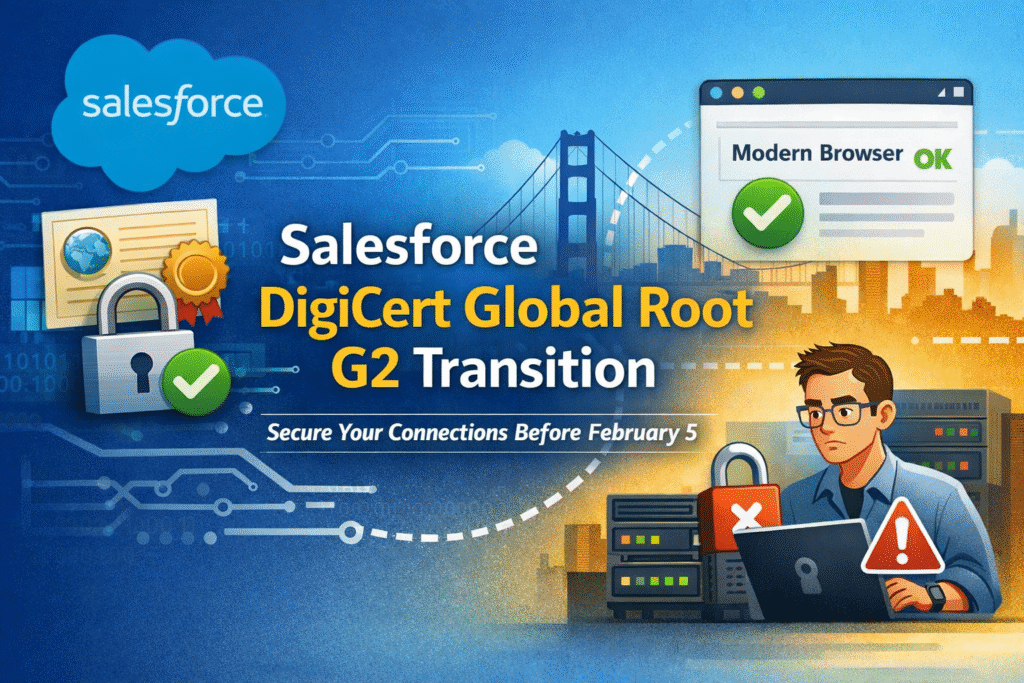

Salesforce is updating the root certificate (“master key”) it uses to secure its websites and servers. This new root certificate is called DigiCert Global Root G2.
Starting February 5, any browser or external system that connects to Salesforce must recognize this new certificate. If it does not, the connection will fail, meaning users won’t be able to log in and integrations won’t be able to send or receive data.
This change is driven by industry-wide security standards and helps ensure stronger, more trusted encryption.
Impact Areas
1. Browser Access
We access Salesforce daily through web browsers.
- No action is required for modern browsers such as Chrome, Edge, Firefox, or Safari.
- These browsers already trust the DigiCert Global Root G2 certificate through regular updates.
- Potential risk exists only if someone uses a very old browser or an operating system that no longer receives security updates.
Conclusion: Browser access is safe and requires no changes for most users.
2. API Integrations (Most Important Area)
External systems that integrate with Salesforce—such as MuleSoft, Java applications, batch jobs, or middleware platforms—often communicate using APIs over HTTPS.
Many of these systems rely on a custom Trust Store, which is a local repository of trusted SSL certificates. Unlike browsers, these trust stores do not always update automatically.
If the trust store does not include the DigiCert Global Root G2 certificate, the system will:
- Fail SSL validation
- Be unable to connect to Salesforce
- Stop sending or receiving data
Simple Example (Easy to Understand)
Imagine Salesforce is a secure office building.
- The certificate is like a government-issued ID badge.
- Salesforce is switching to a new ID badge (DigiCert Global Root G2).
Browser Example
Modern browsers are like security guards who automatically receive updates about valid ID badges.
When Salesforce shows its new badge, the guard recognizes it and allows entry — no problem.
API / External System Example
An old Java application is like a security guard using a printed list of valid ID badges that hasn’t been updated in years.
- Salesforce shows the new badge.
- The guard doesn’t recognize it.
- Entry is denied.
To fix this, the printed list (trust store) must be updated to include the new badge.
Action Plan
To avoid any disruption, we need to proactively identify all external systems that connect to Salesforce via APIs and coordinate with their technical owners.
Questions to Ask Each Technical Owner
- Does your system use a custom or specific trust store for SSL certificates?
- If yes, does it include the DigiCert Global Root G2 certificate?
Action Required
- If the system uses a trust store and the DigiCert Global Root G2 certificate is missing:
- Download the certificate from DigiCert
- Add it to the system’s trust store
- Restart or redeploy the application if required
- This must be completed before February 5 to avoid service disruption.
Key Takeaway
Updating trust stores in advance ensures uninterrupted Salesforce connectivity
Salesforce itself requires no changes
Modern browsers are already covered
API integrations are the critical risk area